Choosing the Right Size: Width, Height, and Proportion
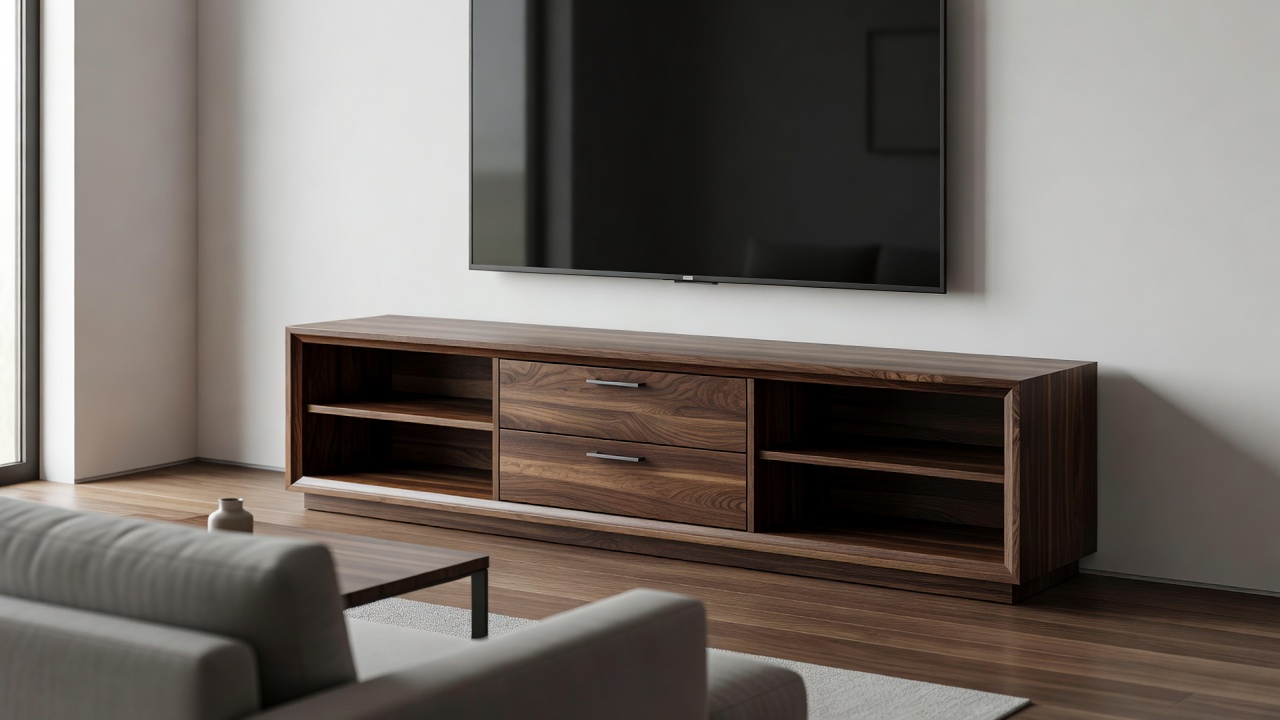
Purchasing a media unit that is improperly sized is the most common mistake made in living room design. A stand that is too small makes the television look top-heavy and precarious, while one that is too tall forces an uncomfortable viewing angle that can lead to physical strain. Correct sizing is a matter of mathematics, geometry, and ergonomics.
The Golden Rule of Width: The Overhang
The first and most critical calculation is the width. Aesthetically and structurally, your television stand must be wider than the television placed upon it.
It is crucial to understand that television sizes (e.g., 55-inch, 65-inch) refer to the diagonal measurement of the screen, not the horizontal width. A typical 65-inch television is approximately 57 inches wide. If you place a 57-inch wide television on a 50-inch wide stand, the screen will overhang the edges. This creates a visual imbalance that makes the setup look temporary and introduces a safety risk in homes with children or pets.
The Rule of Thumb: Your media unit should extend a minimum of 3 to 4 inches beyond the edges of your television on both sides. Therefore, the console should be at least 6 to 8 inches wider than the true horizontal width of your screen. For larger rooms, expanding this overhang to a foot on either side can create an elegant, expansive architectural look.
Height: Engineering Comfort
The height of your stand dictates your viewing angle. The ergonomic ideal is that the center of the screen should be at, or slightly below, eye level when you are seated in your primary viewing position.
To determine the correct height, follow this process:
- Sit on your sofa and measure the distance from the floor to your eyes (for most adults, this is between 40 and 44 inches).
- Measure the total height of your television, including its base if you intend to use it.
- Subtract half the height of the television from your eye-level measurement.
The resulting number is the ideal height for your media unit. Consequently, larger televisions generally require lower stands to keep the center of the screen from creeping too high up the wall.
Depth and Structural Integrity
While flat screens are remarkably thin, their bases often require significant depth for stability. Furthermore, if you plan to house home theater equipment—such as AV receivers, gaming consoles, or center-channel speakers—the depth of the stand becomes vital.
A standard AV receiver requires at least 15 to 16 inches of depth, plus an additional 2 to 3 inches at the rear for rigid cable connections and airflow. A stand with a depth of less than 18 inches may struggle to contain these components neatly, forcing you to remove backing panels or leave equipment protruding from the front.
| TV Size (Diagonal) | Approx. TV Width | Recommended Minimum Stand Width |
|---|---|---|
| 43 inches | 38 inches | 44 - 50 inches |
| 55 inches | 48 inches | 54 - 60 inches |
| 65 inches | 57 inches | 63 - 70 inches |
| 75 inches | 66 inches | 72 - 80 inches |
Visual Weight in the Room
Finally, consider the proportion of the furniture relative to the room itself. A massive, solid-oak unit might dwarf a small apartment living room, even if it fits the television perfectly. In smaller spaces, consider units with higher legs, glass doors, or open shelving to reduce the visual bulk, maintaining the necessary dimensions for the equipment while allowing the room to breathe.